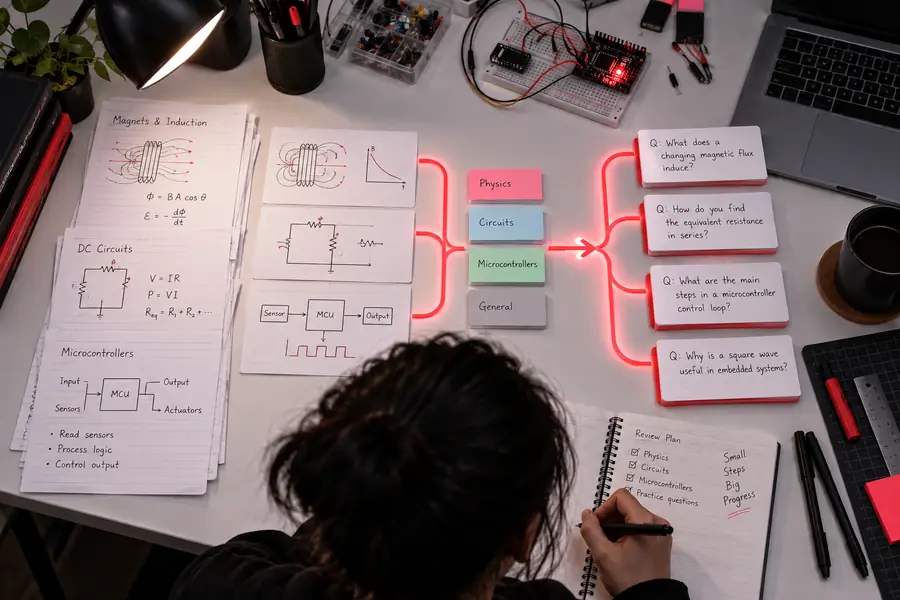
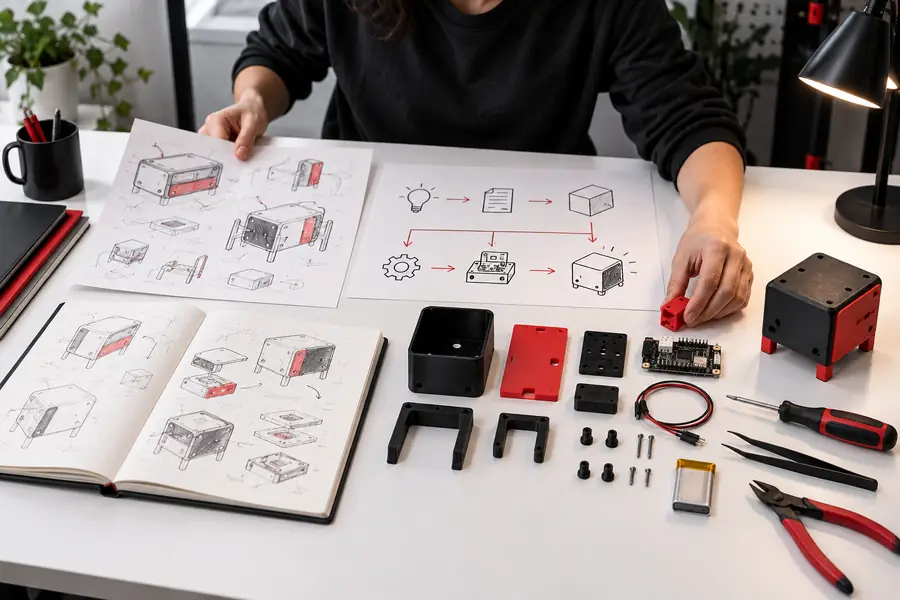
The first-time coder
You have a project idea but only a basic script, notebook, or spreadsheet to begin with.
Use a focused prompt to create a small working feature, then inspect and adapt the result line by line.
free ai api for developersStudent project lab
A free ai api for students can turn a rough assignment idea into a working prototype, study aid, or experiment. Start with a plain-language request and refine the result as you learn.
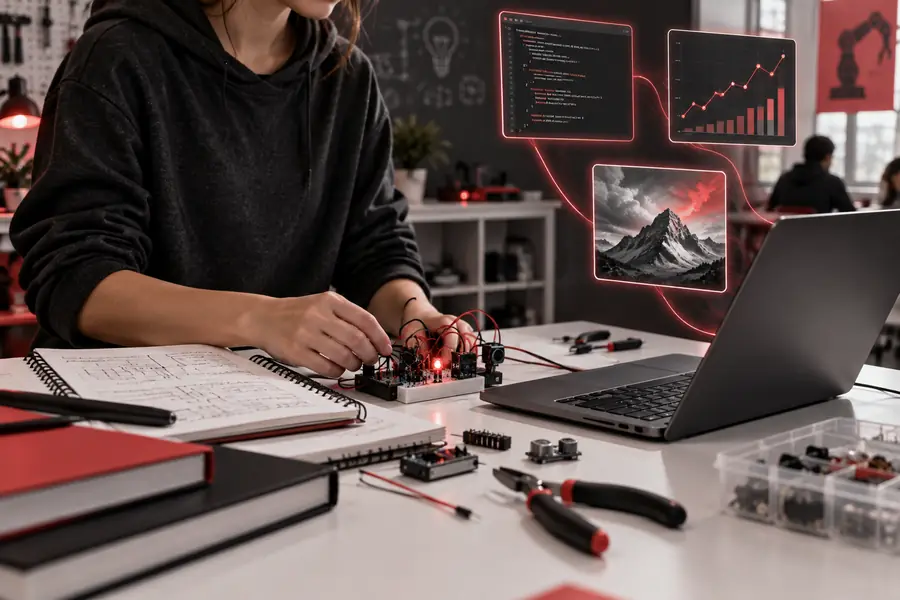
Common starting points
Students already move through a familiar cycle: understand the brief, gather material, make a first version, then explain the result. The API fits inside that cycle rather than replacing the learning.
You have a project idea but only a basic script, notebook, or spreadsheet to begin with.
Use a focused prompt to create a small working feature, then inspect and adapt the result line by line.
free ai api for developersYou need to organize notes, compare themes, or prepare questions before a seminar or paper.
Turn unstructured study material into a repeatable workflow that keeps your source text and reasoning visible.
Try a research workflowA group needs a quick prototype for a demo, hackathon, or design review before investing in polish.
Split the work into prompt, response, and review stages so everyone can contribute without waiting for a full app.
free ai api for developersYou want to prepare practice questions, rubric drafts, or alternative explanations for a study group.
Generate a useful first pass, check it against the course material, and edit it for the class context.
Create a study draftA small starting scope
The most useful student projects are narrow enough to test and clear enough to explain. Start with one input, one transformation, and one result you can evaluate.
Practical student workflows
These workflows show how an ordinary academic task can become a small, testable AI feature. Each one leaves room for verification instead of treating the first response as final.
Execution sequence
Begin with a short section of notes and ask for a structured summary plus questions at the level of your course. Compare every question with the source before studying from it.
Execution sequence
Translate a project brief into a small feature with a clear input and output. This is a good place to inspect the request, test edge cases, and explain design choices in your report.
Execution sequence
Use an initial response as presentation scaffolding, not finished scholarship. Ask for an outline, identify claims that need evidence, and rewrite the final explanation in your own voice.
Before you begin
A student-ready API workflow does not need a large stack. These requirements keep the project understandable, reviewable, and aligned with normal academic expectations.
Write the desired outcome in one sentence.
Avoid sending an entire course archive at once.
Keep the request and result visible in your notes or code.
Generated text is a draft and still needs verification.
Start visually, then move into code when the idea is clear.
Useful for a lab report, reflection, or project demo.
Simple project loop
Describe the audience, source material, desired format, and one success check. A narrow request is easier to understand and debug.
Send a small example, read the response closely, and compare it with the assignment or source material. Note what worked and what needs correction.
Adjust the prompt or code, test another example, and document the choices behind your result. The learning is in the iteration, not just the output.
Use a free ai api for students as a practical entry point: start with one task, keep the output reviewable, and build only after the first result teaches you something.
It is an API access option that lets students send requests to an AI system from a prompt workflow or a small program without beginning with a large application. The useful starting point is a focused academic or prototype task that you can inspect and revise.
Yes. You can begin by describing the task in plain language and studying the response before connecting it to code. When the workflow makes sense, a short script can make the same experiment easier to repeat.
Common projects include note organizers, review-question generators, outline assistants, prototype features, and presentation drafts. Keep the scope narrow and treat generated content as a starting point that must be checked against course materials.
It can be enough for a small proof of concept, classroom experiment, or early prototype. The right fit depends on the task, input size, response quality, and any limits attached to the access method, so test a representative example before planning the full project.
Review claims, compare responses with reliable course sources, and follow your instructor's rules for AI-assisted work. Keep a record of what you asked, what the system returned, and what you changed before submitting or presenting the result.